Why We Built a Language for AI Pipelines
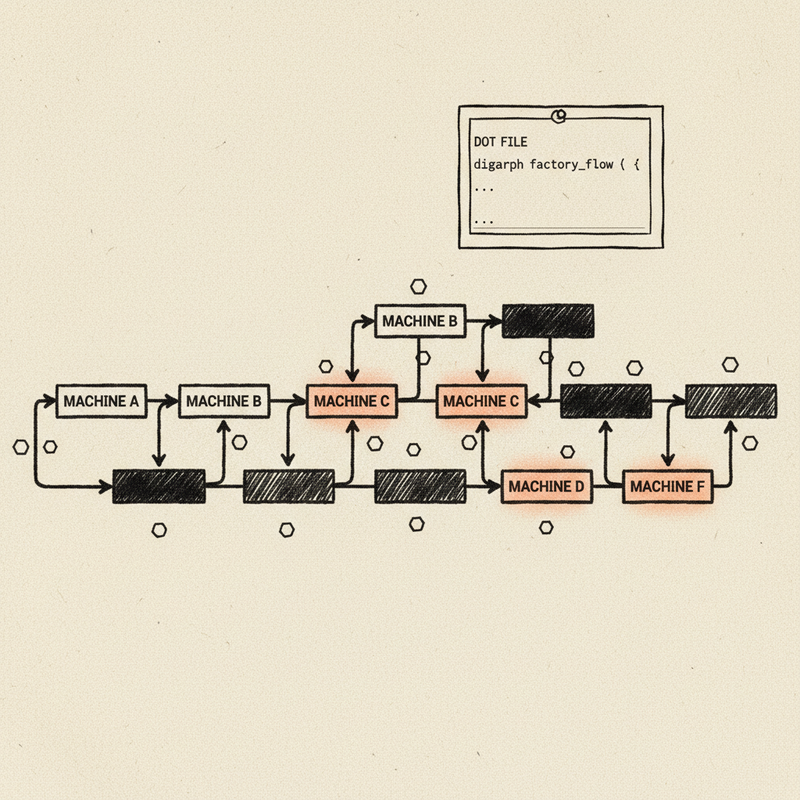
← All PostsLast March, one of our engineers spent forty minutes debugging a broken pipeline. The fix: a missing backslash in a DOT file. One character, buried inside a string that looked like this:
tool_command="set -eu\nmkdir -p .ai .ai/drafts .ai/sprints\nif [ ! -f
.ai/ledger.tsv ]; then\n  now=$(date -u +%Y-%m-%dT%H:%M:%SZ)\n  printf
'sprint_id\\ttitle\\tstatus\\tcreated_at\\tupdated_at\\n001\\tBootstrap
sprint\\tplanned\\t%s\\t%s\\n' \"$now\" \"$now\" > .ai/ledger.tsv\nfi\n
printf 'ledger-ready'"
That’s a shell script. Six lines of bash: create a directory, write a TSV header if it doesn’t exist, print a status message. Nothing exotic. But inside a DOT attribute, every newline becomes \n, every tab becomes \\t, every quote becomes \". The script is there, but you can’t read it. You can’t edit it with confidence.
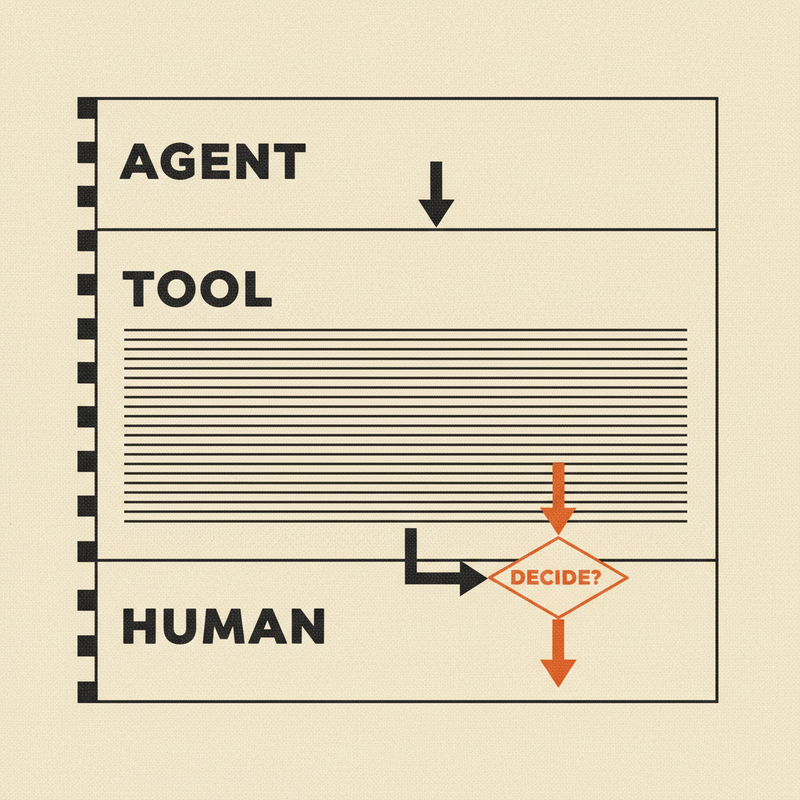
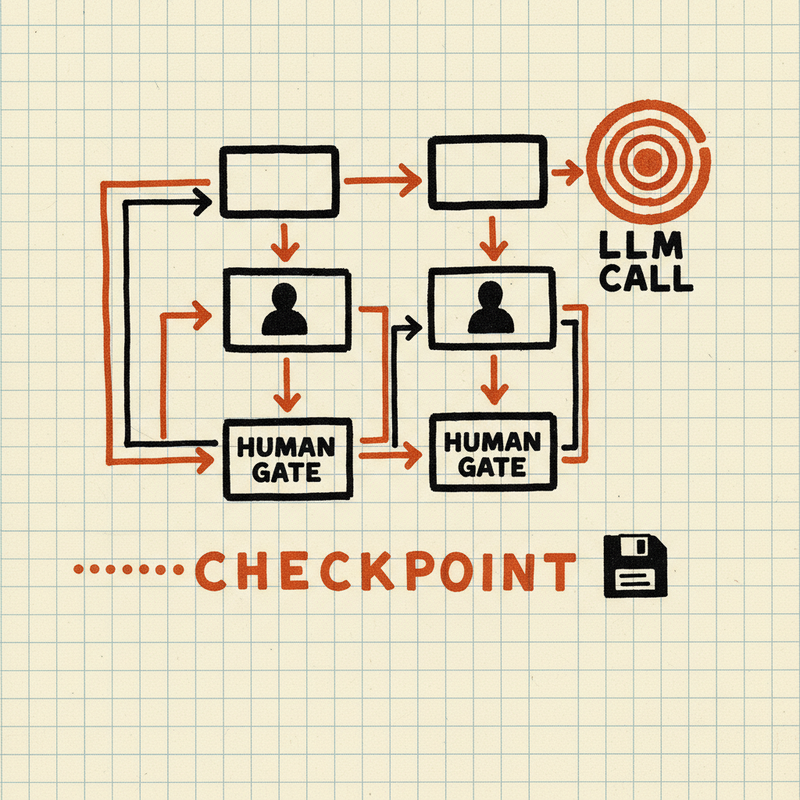
We’ve been working on Tracker, an AI pipeline orchestration system. Tracker runs multi-step workflows where LLM agents, tool calls, and human reviewers collaborate on complex tasks: code review, sprint execution, API design. These pipelines are directed graphs. Nodes with prompts and models, edges with conditions, retry loops, parallel branches.
We defined them in Graphviz DOT.
DOT worked when our pipelines were small. Five nodes, simple edges, short prompts. But our pipelines grew. Twenty-node workflows with multi-model consensus. Shell scripts that run test suites. System prompts with embedded markdown and JSON schemas. The authoring format stopped being invisible and started being the thing we fought with most.
We were spending more time debugging escaped strings than writing prompts.
What DOT couldn’t give us
The escaped-string problem was the most visible pain, but not the only one.
DOT is a graph description language. It knows about nodes, edges, and attributes. It does not know what an AI pipeline is. The language has no opinion about whether claude-sonnet-4-6 is a valid model name or claude-sonet-4-6 is a typo. Nor will it tell you that a node is unreachable, that a retry loop has no exit condition, or that a tool command references a missing binary. You find these things out in production, when the pipeline fails; or worse, produces subtly wrong output.
Testing pipelines was its own problem. LLM calls are non-deterministic; you can’t assert on their output. But you can assert on the shape of execution: which nodes were visited, in what order, which branches were taken. We needed that. DOT had no concept of it.
Then there was cost. A pipeline that fans out to three LLM providers runs three sets of API calls. Before we could estimate the total, someone had to manually count prompt tokens and look up pricing tables. For twenty pipelines, that doesn’t scale.
From format to language
We could have written a YAML schema with a validation layer on top. But validation only catches errors — it doesn’t give you a formatter that normalizes style, a simulator that walks execution paths, a cost estimator that reads prompt tokens, an LSP that shows diagnostics in your editor. All of that requires a grammar and a parser that produces a typed data model the entire toolchain can share.
That same shell script, in Dippin:
tool EnsureLedger
  label: "Ensure Ledger"
  command:
    set -eu
    mkdir -p .ai .ai/drafts .ai/sprints
    if [ ! -f .ai/ledger.tsv ]; then
      now=$(date -u +%Y-%m-%dT%H:%M:%SZ)
      printf 'sprint_id\ttitle\tstatus\tcreated_at\tupdated_at\n001\tBootstrap sprint\tplanned\t%s\t%s\n' "$now" "$now" > .ai/ledger.tsv
    fi
    printf 'ledger-ready'
Indent after the colon and write your script. No escaping, no quoting, no \n. The same rule applies to prompts: multi-line markdown with headers, bullet points, embedded code blocks, JSON examples. Write it the way you’d write it in a document.
Here’s a complete pipeline. A document gets drafted, reviewed, and either published or sent back for revision:
workflow ReviewPipeline
  goal: "Draft, review, and publish a document"
  start: Start
  exit: Exit

  defaults
    provider: anthropic
    model: claude-sonnet-4-6

  agent Draft
    label: "Write Draft"
    prompt:
      Write a clear, concise technical document based on the
      provided requirements. Focus on accuracy and readability.

  agent Review
    label: "Review Draft"
    auto_status: true
    prompt:
      Review the draft for accuracy, clarity, and completeness.
      Return success if it meets standards, or fail with feedback.

  agent Publish
    label: Publish

  edges
    Start -> Draft
    Draft -> Review
    Review -> Publish  when ctx.outcome == "success"
    Review -> Draft    when ctx.outcome == "fail"
    Publish -> Exit
The conditional edges say what they mean: if the review passes, publish; if it fails, go back to drafting.
Tooling follows language
A config format stores data. A language has structure you can query, check, and transform.
Dippin ships with 39 diagnostic checks. Nine catch structural errors: your file references a node that doesn’t exist, or declares a start node with no outgoing edges. Thirty catch semantic problems: an unknown model name, a tool command with no timeout, a condition that references a variable without its namespace prefix. Every diagnostic has a code, an explanation, and a fix suggestion. Run dippin explain DIP108 and it tells you what went wrong and how to fix it.
Dippin’s scenario testing lets you inject context values and assert on execution paths. You see which nodes were visited, which weren’t. The tests are deterministic even though the underlying LLM calls are not. Our CI runs dippin check on every push; a broken pipeline fails the build before it reaches production.
Cost estimation came next. dippin cost counts prompt tokens, applies per-model pricing, and accounts for retry loops:
$ dippin cost complexity_cleanup.dip
═══ Cost Estimate ═════════════════════════════════════════
                                Min Expected      Max
  ──────────────────────── ──────── ──────── ────────
  TOTAL                       $0.65    $0.65    $2.66
dippin optimize then suggests where cheaper models would do the same job. Our code review pipeline dropped from $0.65 to $0.02 expected cost after following its suggestions.
An LSP server catches errors as you type. A semantic diff tool reports “the model changed from opus to sonnet on this node” instead of a raw text diff. A migration tool converts existing DOT files with structural parity verification. There’s a WASM playground, a file watcher, syntax highlighting.
In practice
Pipeline authors think about logic, not string escaping. A new team member reads a .dip file and understands the workflow without a walkthrough.
When someone pushes a change, CI validates structure, checks semantics, and estimates the cost delta. The change either passes or it doesn’t.
The feedback loop between Tracker and the language is tight. Last week, Tracker needed to force LLM APIs to return structured JSON. All three providers support this, but each requires specific API parameters to activate.
In DOT, adding this would have meant inventing an attribute convention, documenting it somewhere, and hoping people used it correctly. In Dippin, we added response_format and response_schema as first-class fields with four lint rules to catch mistakes. The Tracker adapter picked them up automatically.
Because everything reads the same typed model, adding response_format meant the linter, formatter, cost estimator, and LSP all understood it immediately. One grammar change, every tool caught up.
Subgraph Composition
The problem
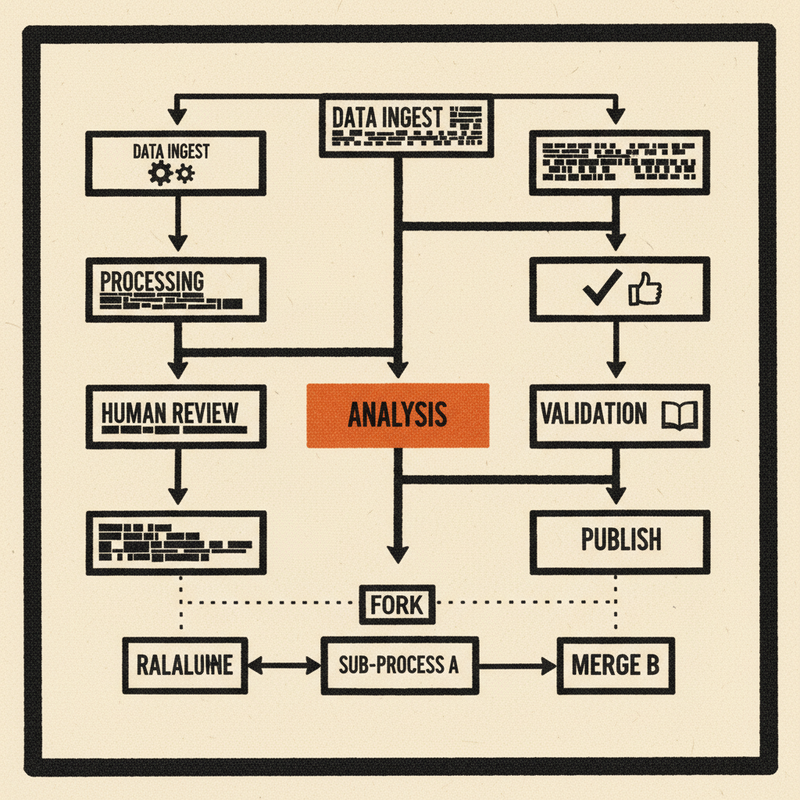
Pipelines repeat themselves. A three-step interview loop — generate questions, collect answers, assess completeness — shows up in API design workflows, onboarding flows, and requirements gathering. Without composition, you copy the same nodes and edges into every workflow that needs them. When the pattern changes, you update it in five places and miss the sixth.
How subgraphs work
A subgraph node embeds one workflow inside another. It looks like any other node in the graph — it has a label, it connects to other nodes with edges, it participates in retry logic and conditional routing. But instead of running an LLM call or a shell command, it references a separate .dip file:
subgraph Interview
  label: "Requirements interview"
  ref: interview_loop.dip
  writes: requirements_summary
  params:
    topic: "API design"
    focus: "resources, auth, consumers, scale"
ref points to the workflow file. params passes key-value pairs into it. Inside interview_loop.dip, those values are available as ${params.topic} and ${params.focus} — the same interpolation syntax used for context variables, but in a dedicated namespace that keeps parent and child workflows from stepping on each other.
The referenced workflow is a complete, self-contained .dip file. It has its own start node, exit node, edges, and node definitions. You can validate, lint, format, and cost it independently. It doesn’t know or care that it’s being embedded — it’s just a workflow.
What this means for the toolchain
The subgraph node is opaque to the parent workflow’s toolchain passes. When dippin lint runs on the parent, it checks that the referenced file exists on disk (DIP126) and warns if two subgraph nodes reference the same file (DIP109, a namespace collision risk). It does not inline or expand the subgraph. The child workflow gets its own lint pass when you run dippin lint on it directly.
The simulator treats subgraphs as atomic steps. It records that the node was entered and exited, logs the ref path, and moves on to the next edge. It doesn’t recurse into the child workflow. This is deliberate: the simulator provides a control-flow trace of the parent pipeline, not a fully expanded execution tree. Runtime expansion is the orchestrator’s job.
The formatter emits subgraph fields in a fixed order — label, ref, params — with param keys sorted alphabetically. This makes diffs clean and round-trips deterministic.
Cost estimation sums the parent workflow’s nodes. The child workflow’s cost is estimated separately when you run dippin cost on it. This keeps cost reports scoped to one file at a time, which matches how teams reason about budgets: “what does this workflow cost?” not “what does this workflow plus everything it calls cost?”
Why not inline?
An earlier design inlined subgraphs at parse time — the parser would read the referenced file, prefix node IDs to avoid collisions, and splice the nodes and edges into the parent graph. This was simpler conceptually but caused problems:
- Lint diagnostics pointed to line numbers in an expanded graph that didn’t correspond to any file the author could edit.
- Cost estimates doubled when the same subgraph appeared twice.
- The formatter couldn’t round-trip an inlined graph back to the original two-file structure.
- Error messages were confusing: “node Interview_Assess has no fallback” means nothing when the author named it “Assess” in
interview_loop.dip.
Keeping subgraphs opaque at the IR level avoids all of this. Each file is a self-contained unit. Tooling operates on one file at a time. The runtime handles expansion.
The runtime contract
Dippin defines the subgraph — the ref, the params, the edges into and out of it. The runtime (in our case, Tracker) is responsible for loading the referenced file, substituting params, and executing the child workflow as part of the parent pipeline. The IR gives the runtime everything it needs:
cfg := node.Config.(ir.SubgraphConfig)
cfg.Ref    // "interview_loop.dip"
cfg.Params // {"topic": "API design", "focus": "resources, auth, ..."}
The adapter reads these fields and hands them to the pipeline engine. No special protocol, no registration step. If the file exists and parses, it runs.
A real example
api_design.dip is a 20-node pipeline that produces an API design package — OpenAPI spec, SDK examples, error catalog. One of its steps is a requirements interview. Rather than embedding the interview logic (generate questions, collect answers, assess, loop if incomplete), it references interview_loop.dip:
subgraph Interview
  label: "Requirements interview"
  ref: interview_loop.dip
  writes: requirements_summary
  params:
    topic: "API design"
    focus: "resources, auth, consumers, scale, integrations, real-time needs"
interview_loop.dip is parameterized by topic and focus areas. The same file could be referenced by a user research workflow, an onboarding pipeline, or a support triage flow — each passing different params. The interview logic lives in one place.
When the interview pattern changes — say we add a confidence score to the assessment step — we update interview_loop.dip once. Every workflow that references it picks up the change on its next run.
What subgraphs don’t do (yet)
Subgraphs are file-based references with flat string params. There is no module registry, no version pinning, no type-checked parameter contracts. DIP109 warns about namespace collisions but doesn’t prevent them. Recursive subgraphs (a subgraph that references itself) are not detected or prohibited — the runtime would loop.
These are real limitations. They’re also the right trade-offs for where the project is today. The file-based approach works with standard tooling — editors, git, CI — without inventing a package system. When the limitations bite, we’ll address them. So far they haven’t.
Try it
Dippin is open source.
We built it because escaped strings were eating our time and silent pipeline errors were eating our confidence. If you’re defining multi-step LLM workflows with conditional routing, human checkpoints, tool calls, or retry logic — it might save you the same headaches.
go install github.com/2389-research/dippin-lang/cmd/dippin@latest