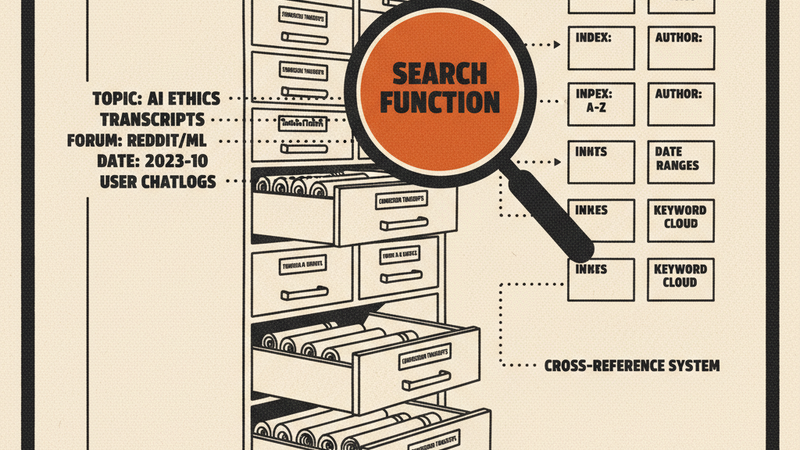
ccvault syncs your Claude Code sessions from ~/.claude into a local SQLite database with FTS5 full-text search. You get Gmail-style query syntax, a terminal UI for browsing sessions, Parquet exports for analytics, and an MCP server so other AI tools can search your history too.
Install
brew install 2389-research/tap/ccvault
Or with Go 1.25+:
go install github.com/2389-research/ccvault/cmd/ccvault@latest
What it does
Search — Query your conversations with filters like project:myapp, model:opus, tool:Bash, after:2025-01-01, has:error, or plain text. Exact phrase matching works too.
Browse — A Bubble Tea TUI lets you scroll through sessions, view turn-by-turn details, and drill into specific conversations without leaving the terminal.
Analytics — Exports session data to Parquet files. Run DuckDB queries against your usage patterns: which models you use most, which tools get called, how sessions break down by project.
MCP server — Eight tools (search, session summaries, paginated turns, stats, analytics) exposed over Model Context Protocol. Point Claude Desktop or any MCP client at ccvault mcp and your conversation archive becomes searchable by other agents.
Incremental sync — Tracks file modification times so re-syncing is fast. Only new or changed sessions get processed.
How it works
Claude Code stores sessions as JSONL files under ~/.claude/projects/. ccvault parses these files, extracts turns (with role, model, tool usage, timestamps), and writes them to SQLite with FTS5 triggers for instant full-text indexing. A separate build-cache command exports the same data to Parquet for DuckDB analytics.
Requirements
Go 1.25+ for building from source. Homebrew handles dependencies automatically.