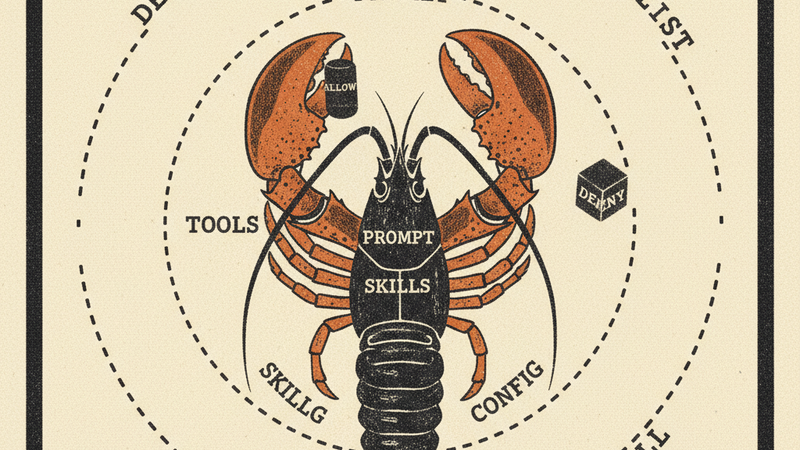
Soloclaw is a single-instance, openclaw-compatible AI agent for your terminal. One user, one agent, one session — no gateway, no shared infrastructure. It faithfully ports openclaw’s three-layer approval engine, context file pattern, and skill system into a standalone Rust binary with a full-screen streaming TUI. Five LLM providers, real security controls, and every tool call gated before anything touches your system.
Install
git clone https://github.com/2389-research/soloclaw.git
cd soloclaw
cargo install --path .

# Interactive setup — writes config, API keys, approval rules
claw setup
What it does
Multi-provider LLM support. Switch between Anthropic, OpenAI, Gemini, OpenRouter, and Ollama from config or CLI flags. All providers use the same conversation interface. Custom base URLs work for proxies and self-hosted endpoints.
Streaming TUI. Full-screen terminal interface built on ratatui. Tokens stream in real time. Chat history scrolls with keyboard or mouse. Tool calls and their output render inline.
Openclaw-compatible approval engine. Soloclaw implements openclaw’s three-layer security model: SecurityLevel (deny, allowlist, full) × AskMode (off, on-miss, always) × persistent allowlist. When a tool call doesn’t match the allowlist, soloclaw prompts you inline: Allow Once, Always Allow, or Deny. “Always Allow” persists the pattern to approvals.json so you’re not approving grep every time. Shell commands get parsed and matched against a built-in safe list of read-only binaries (ls, cat, grep, head, etc.) for auto-approval.
MCP extension. Drop a .mcp.json in your project root or home directory, same format as Claude Desktop. MCP server tools appear alongside built-in tools and go through the same approval flow.
Openclaw context files. Drop SOUL.md, AGENTS.md, or TOOLS.md in your project to shape how the agent behaves — the same context file pattern used by openclaw. .soloclaw.md works as a project-specific config. All files are optional and loaded into the system prompt at startup.
Skill injection. SKILL.md files from four configurable roots (XDG config, workspace, ~/.agents, ~/.codex) get injected into the system prompt, with limits to prevent prompt bloat (24 files max, 32k characters total).
How it works
Where openclaw is a full multi-agent, multi-channel platform with a gateway control plane, soloclaw strips that down to a single-instance agent. One process, one terminal, one conversation. No gateway, no WebSocket routing, no multi-tenant sessions. The tradeoff is simplicity: you get openclaw’s approval engine, context layering, and skill system without running infrastructure.
Soloclaw runs a think-act loop: the LLM generates a response, tool calls get routed through the approval engine, approved calls execute, results feed back into the conversation. The TUI renders everything — messages, tool calls, approval prompts — in a single full-screen layout.
Config lives under $XDG_CONFIG_HOME/soloclaw/. API keys go in secrets.env (chmod 600). The claw setup wizard handles first-run configuration.
Requirements
- Rust toolchain (cargo)
- mux-rs — the LLM abstraction and tool registry layer
- At least one LLM API key (Anthropic, OpenAI, Gemini, OpenRouter) or a running Ollama instance